


User Guide – Cinema Room – Projector – IPTV
CINEMA ROOM
Welcome!
To help you make the most of the cinema room during your stay, this page provides a simple guide on how to use the projector and access channels via IPTV.
You’ll find all the steps needed to power on the devices, change channels, adjust the volume.
Take a moment to read through this guide — everything has been designed to ensure you can enjoy TV with total peace of mind!
Required Equipment
Here’s what you need to use the television:
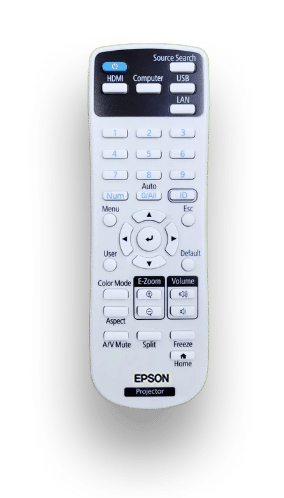
Remote projecteur EPSON
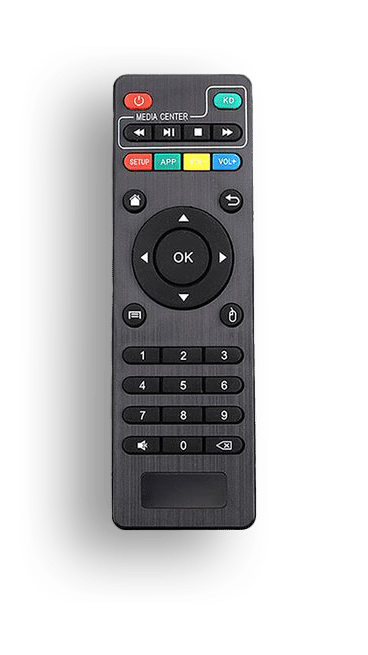
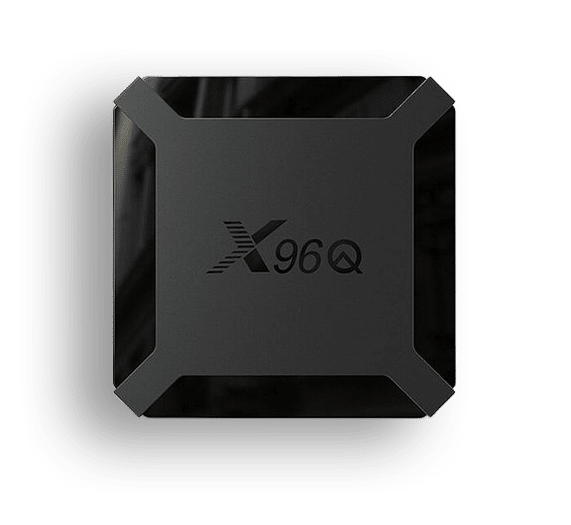
Remote IPTV
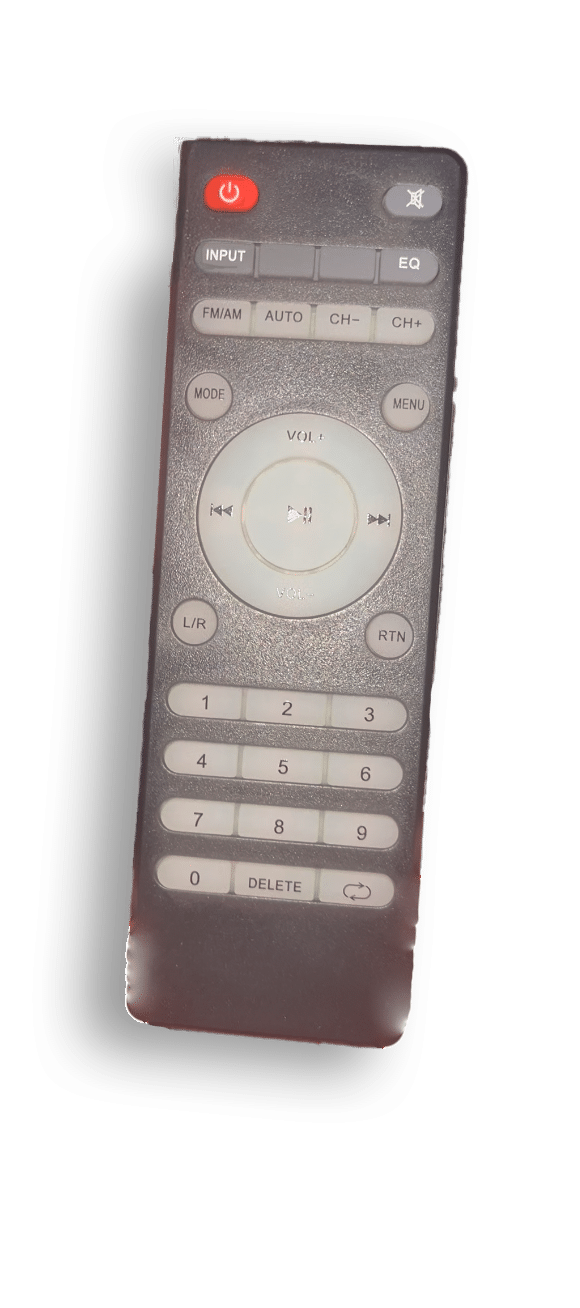
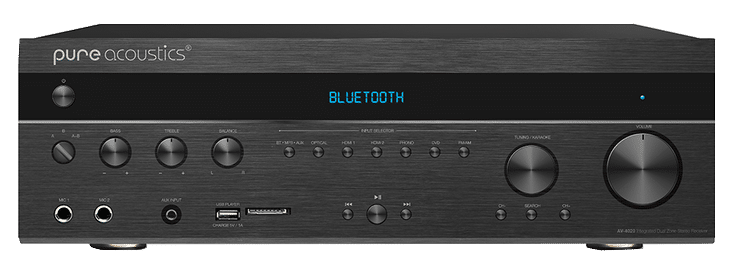
Audio amplifier remote (for sound)
Tutorial video
Using the IPTV Projector – Cinema Room
Detailed Written Guide
Step 1 – Turn on the EPSON projector
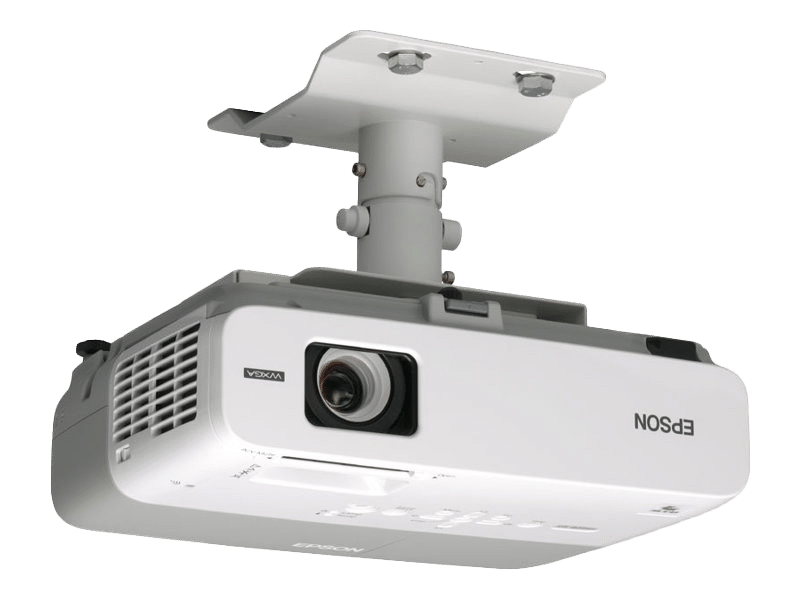
Press the “Power” button  on the EPSON remote to turn on the projector, and wait for the device to start up until the image appears on the screen.
Step 2 – Turn on the IPTV decoder
Once the projector is on, turn on the IPTV decoder to access the channels.
Press the “Power” button on the IPTV remote.
Note: Always point the remote toward the IPTV box, not the screen.
Once the IPTV decoder is on, select the application,
then press “OK”.
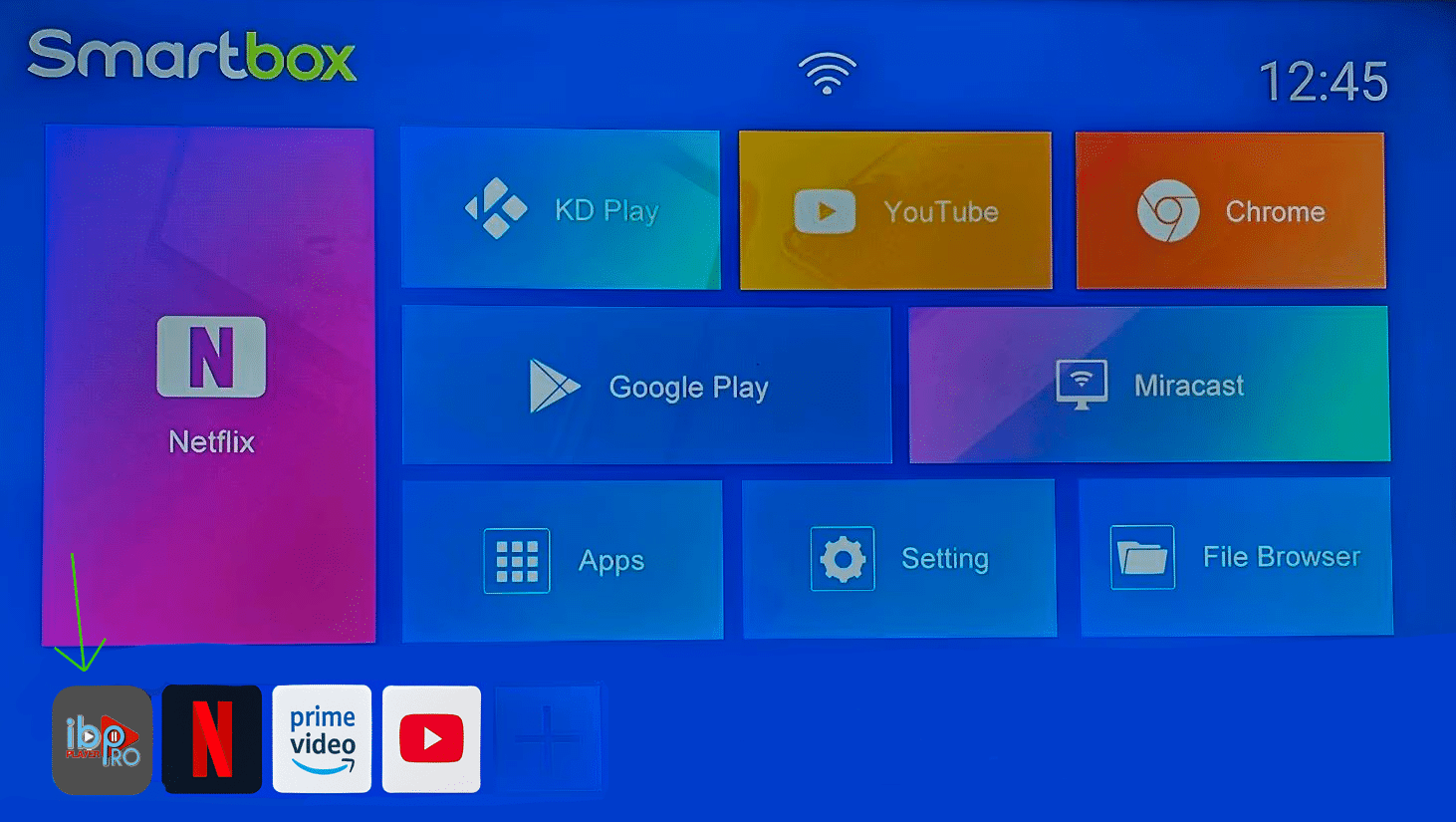
The TV channel is working!
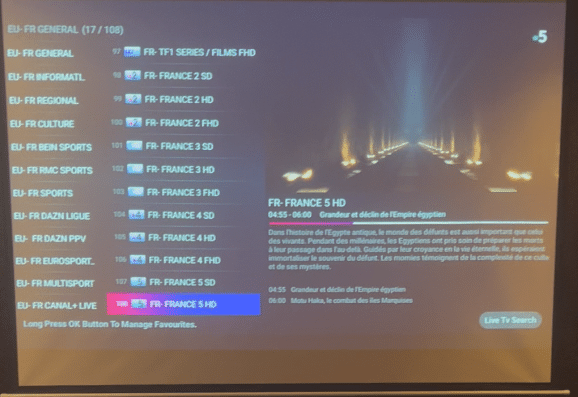
To display the channel list, press the “OK” button on the IPTV remote.
On the left side of the screen, you will see the list of categories:
EU – FR GENERAL, EU – FR SPORTS, EU – FR CANAL+, EU – FR BEIN, etc.
On the right, you’ll see the list of channels within the selected category.
We recommend choosing HD or FHD channels for the best picture quality.
Navigate through categories and channels using the left, right, up, and down arrows.
Then press “OK” to switch to full screen.
Step 3 – Turn on the audio amplifier
Press the “Power” button
on the audio amplifier remote to turn on the sound system.
Adjust the volume using the “VOL +” and “VOL –” buttons.
Enjoy your TV experience to the fullest.
Step 4 – Turn off the devices
At the end of your session, please turn off all three devices:
IPTV decoder, audio amplifier, and projector.
For the EPSON projector, press the “Power” button twice on the remote.
For the IPTV decoder, press the “Power” button on the remote.
For the audio amplifier, press the “Power” button on the remote.
Facilities
Explore the villa and all it has to offer
Treat yourself to an unforgettable stay in a refined setting that combines comfort, wellness, and leisure.
Relax in a traditional hammam, cool off in your private pool, enjoy a fully equipped gym, and unwind in a welcoming billiards room.
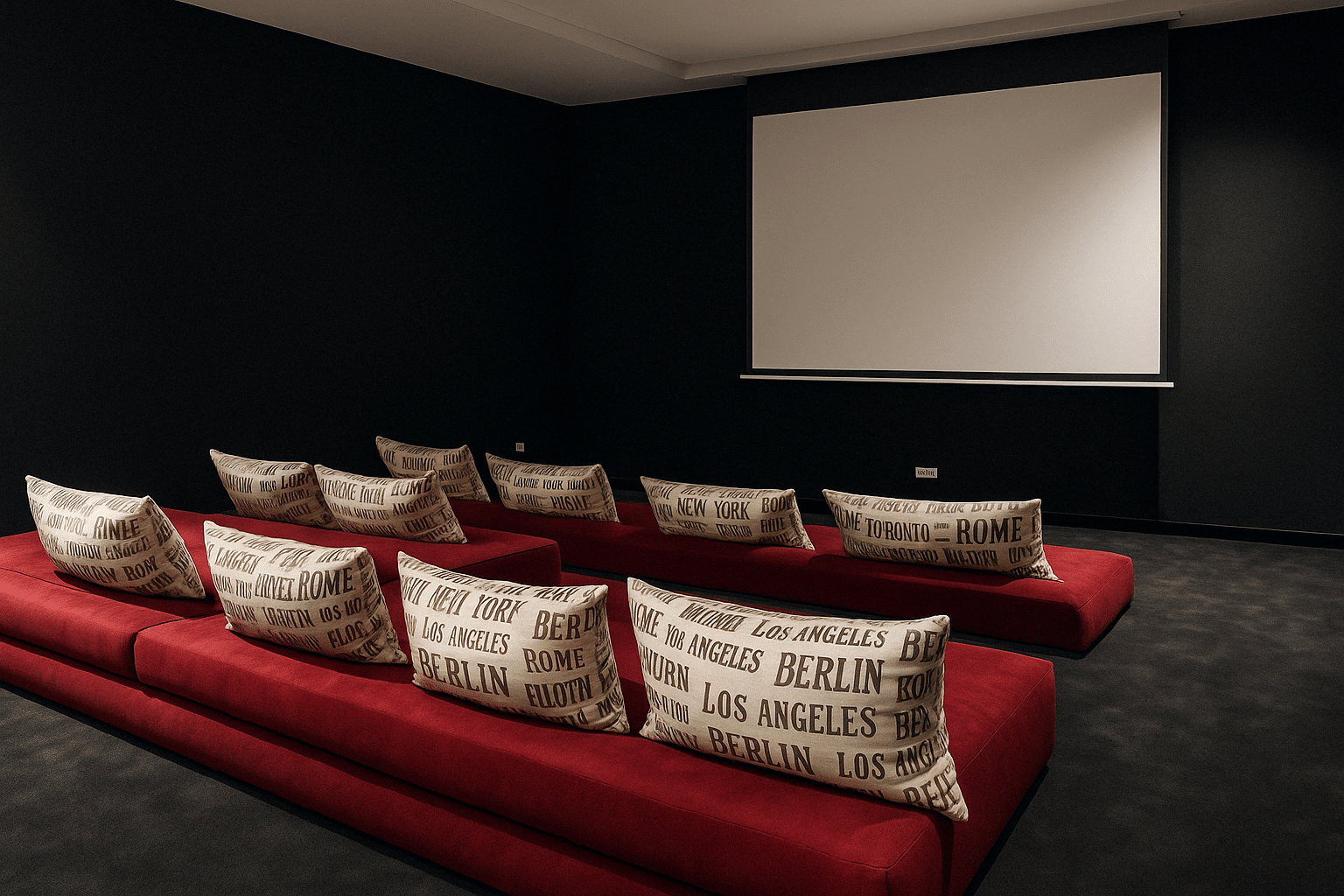
A private cinema room is also available for truly unique movie nights.
Every space has been thoughtfully designed for your enjoyment and comfort.