


USER GUIDE TV – TNT
Room
Welcome!
To help you fully enjoy the television during your stay, this page simply explains how to use the TV and access the channels via TNT in your room. You’ll find all the steps to turn on the devices and change the channels.
Take a moment to read through this guide — everything has been designed to ensure you can enjoy TV with total peace of mind!
REQUIRED EQUIPMENT
Here’s what you need to use the TV:
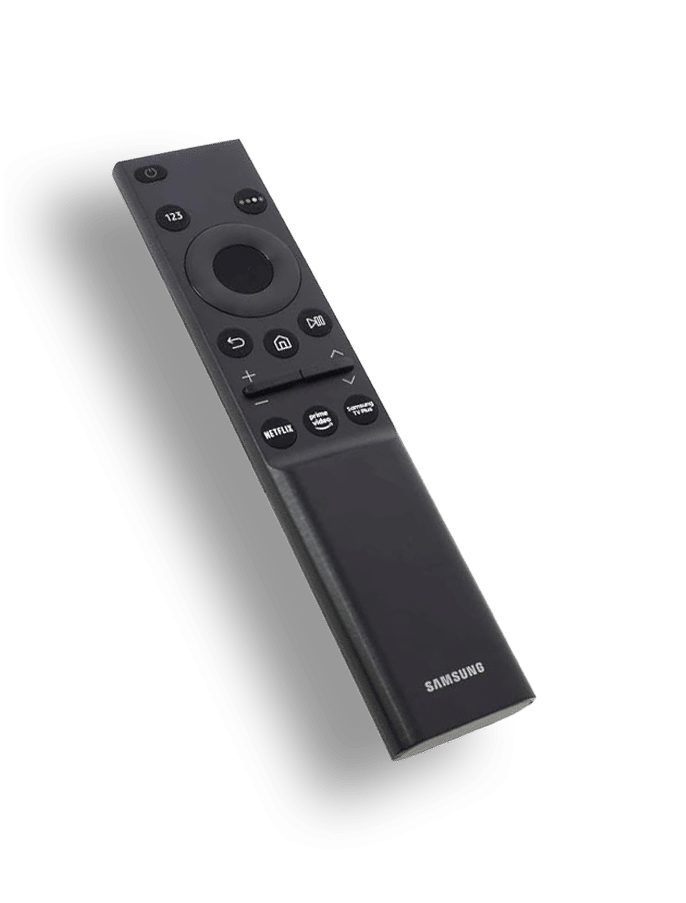
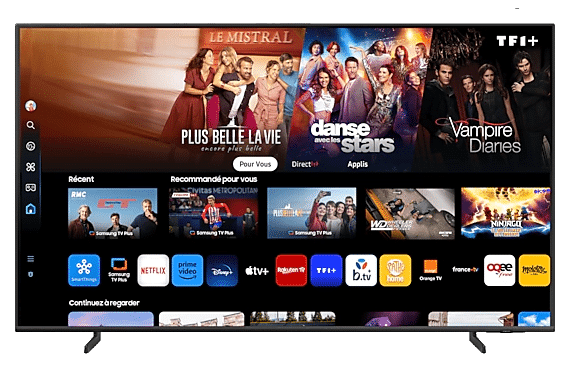
SAMSUNG TV remote
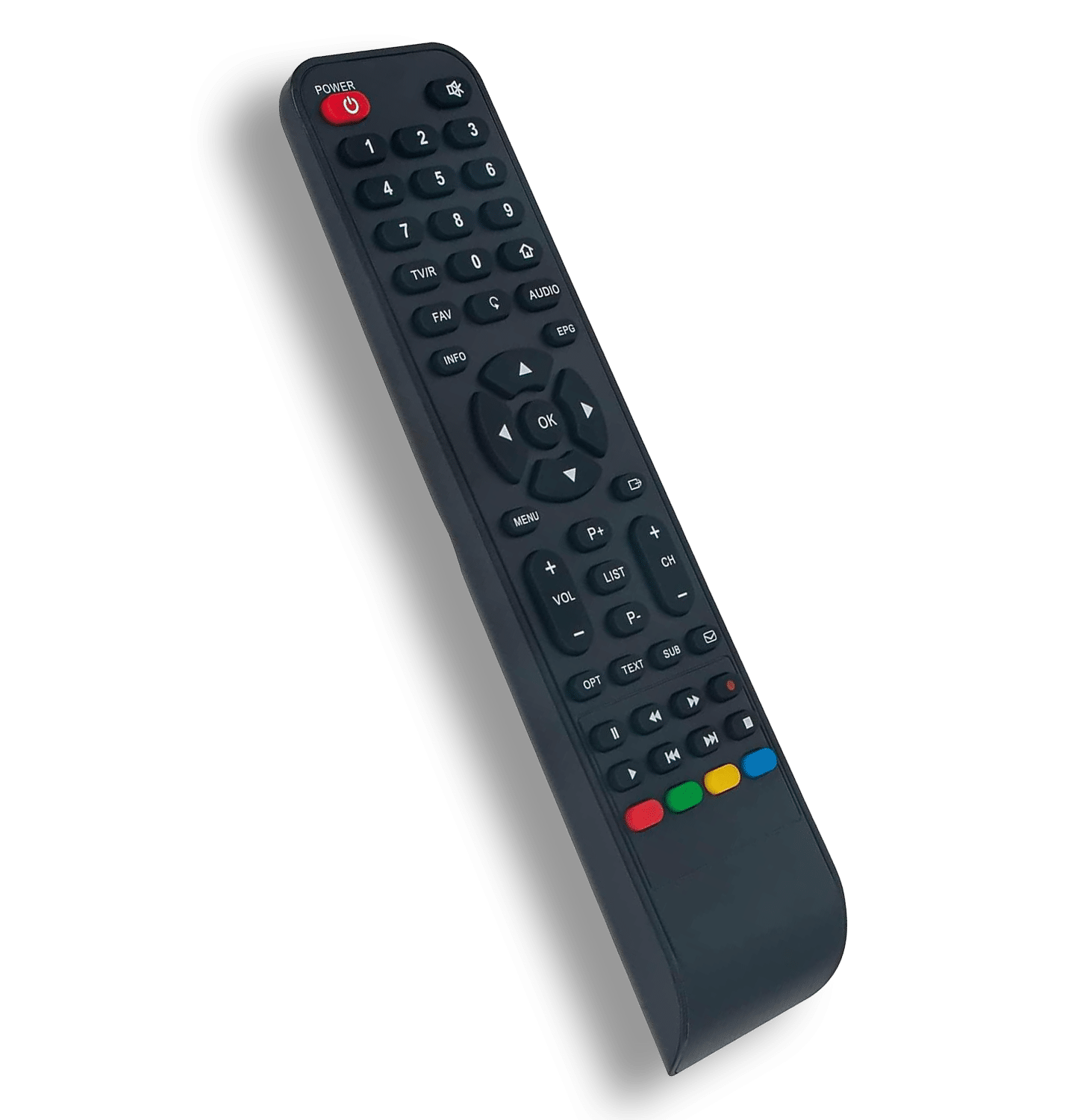
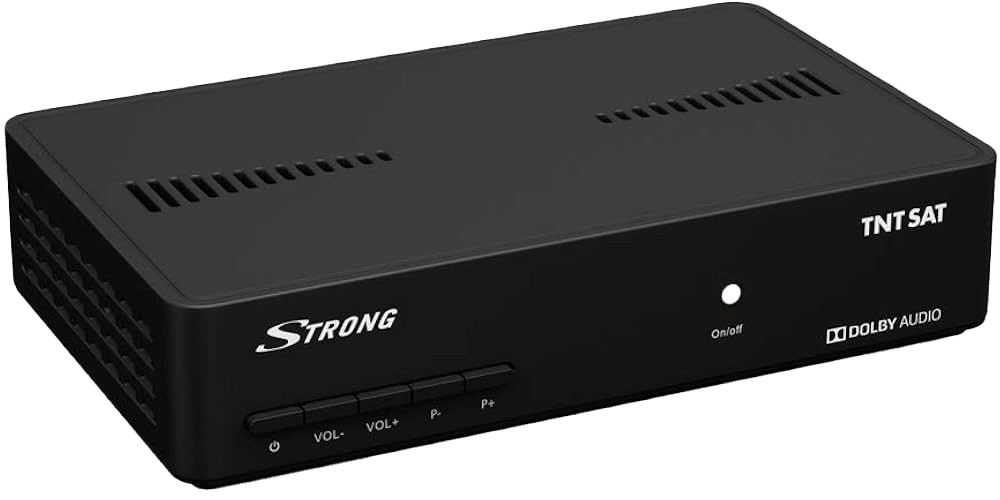
TNT decoder remote
Tutorial Video
How to Use the TV – TNT – Room
Detailed Written Guide
Step 1 – Turn on the TV and the TNT decoder
Press the “Power” button on the TNT remote control to turn on the decoder.
A green light will appear on the TNT box.
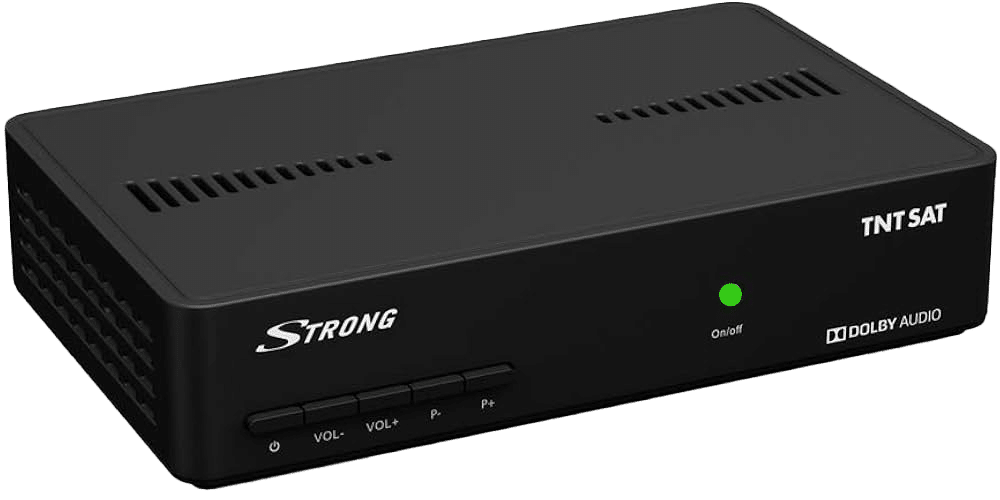
Then press the “Power” buttonon the SAMSUNG TV remote to turn on the television.
Step 2 – Access TNT channels
Once both devices are on, take the TNT remote control and press a button corresponding to a channel (e.g., 1, 2, 3, etc.).
The image will appear directly on the TV — you now have access to TNT channels!
Note: There may be a short delay (about one minute) before the image appears.
Thank you for your patience!
Enjoy your TV experience to the fullest.
Facilities
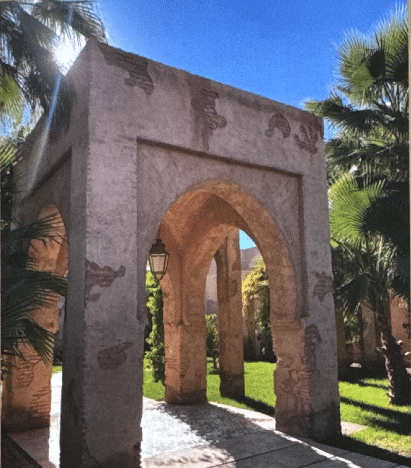
Explore the villa and all it has to offer
Treat yourself to an unforgettable stay in a refined setting that combines comfort, wellness, and leisure.
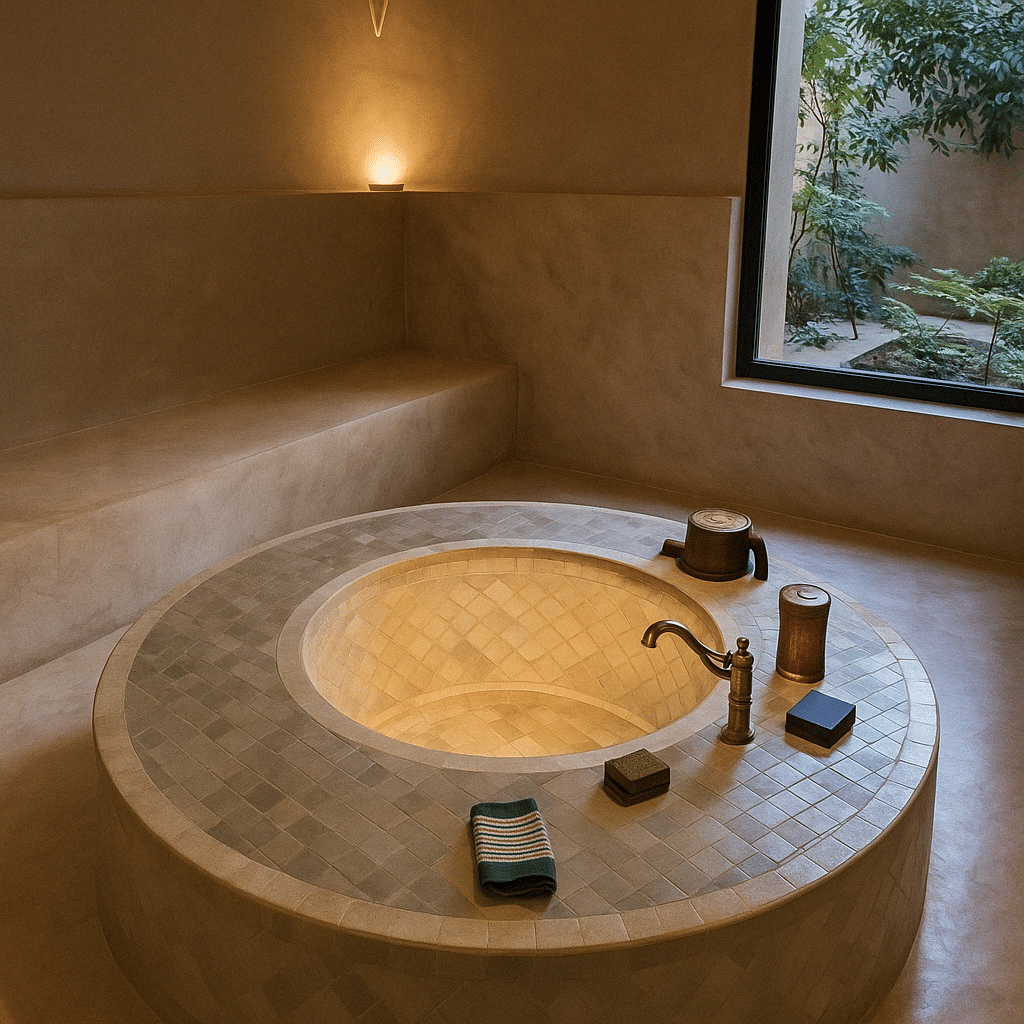
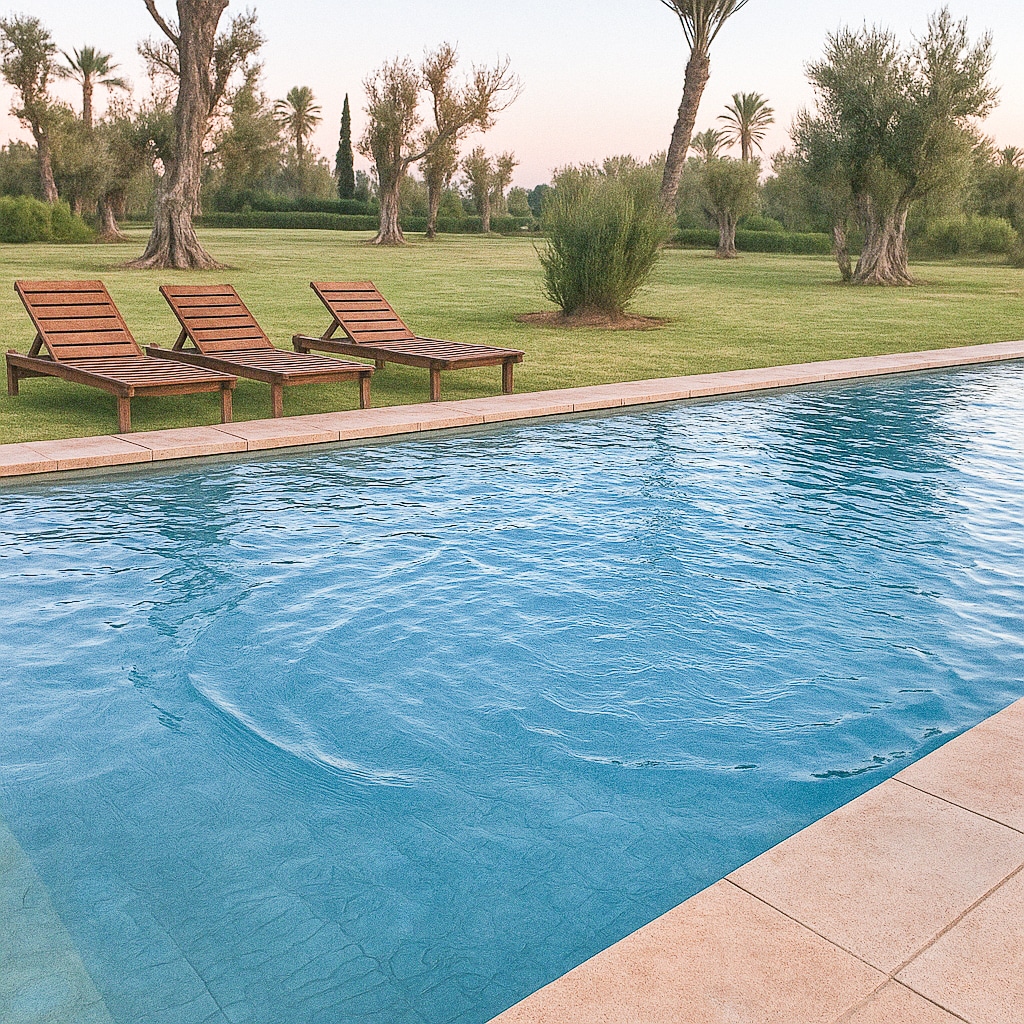
Relax in a traditional hammam, cool off in your private pool, enjoy a fully equipped gym, and unwind in a welcoming billiards room.
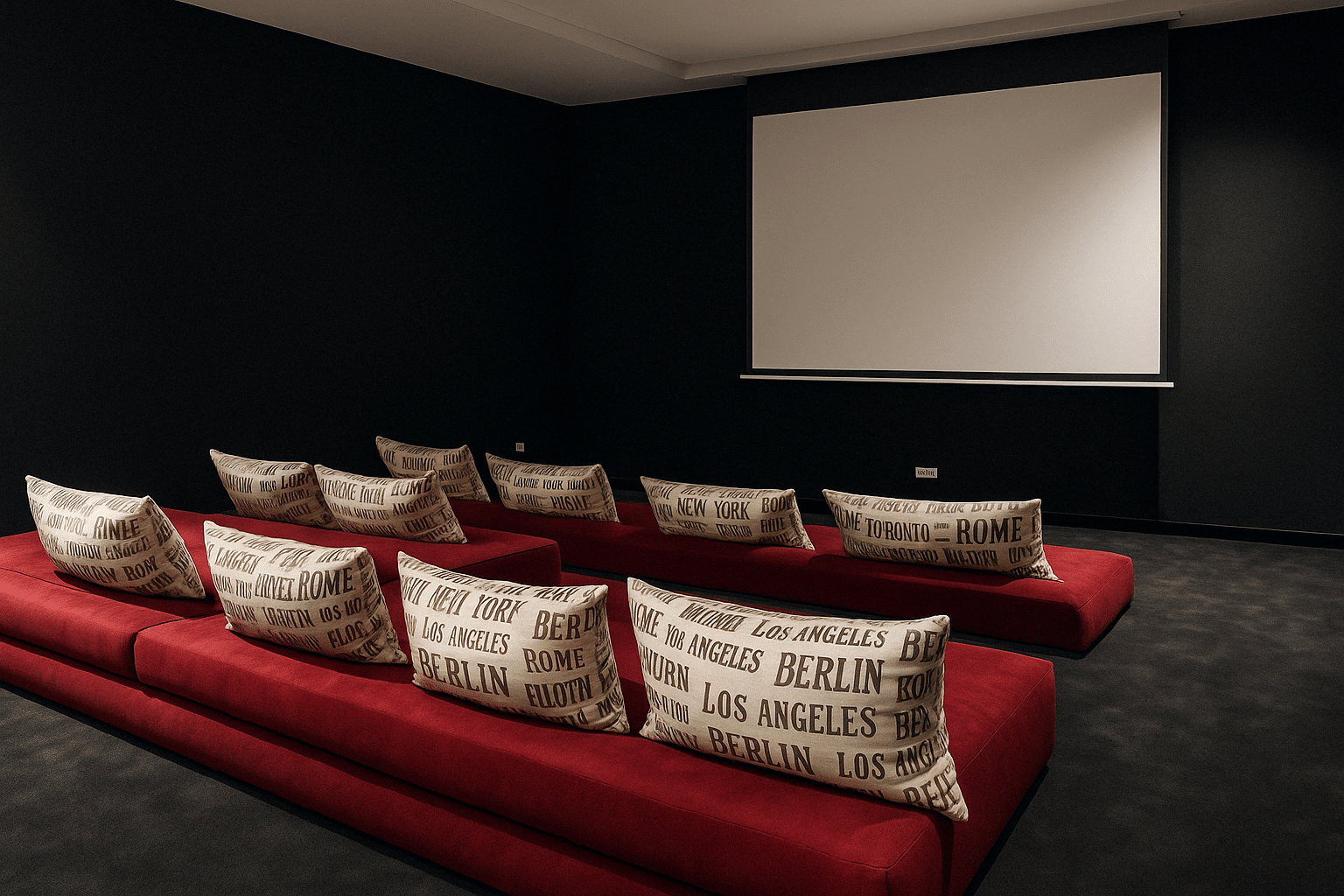
A private cinema room is also available for truly unique movie nights.
Every space has been thoughtfully designed for your enjoyment and comfort.